
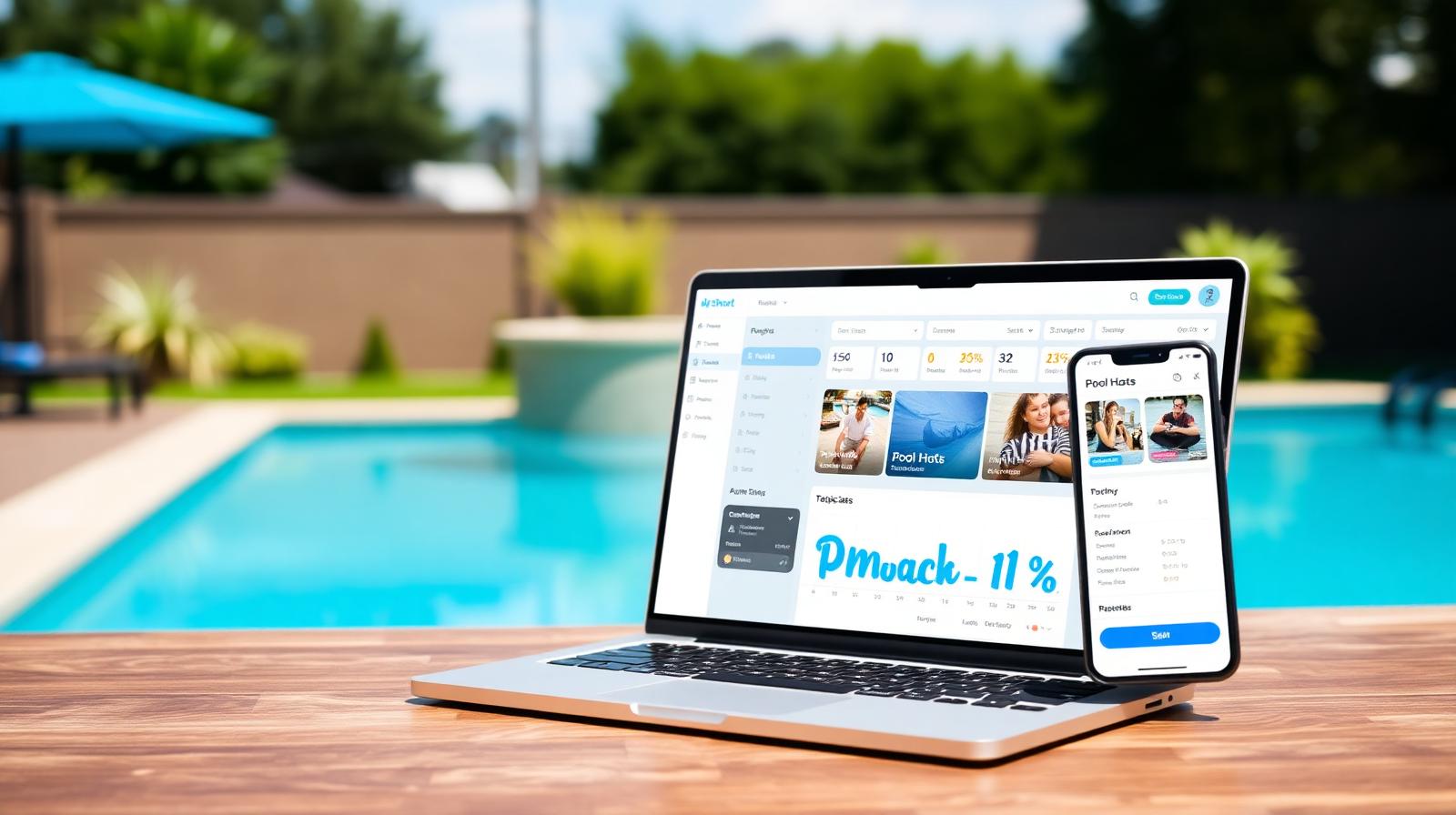
Pool rules generator: house rules every guest signs before arrival
Stop rewriting your house rules every booking. Answer a few questions, get a clean printable rules document tuned to your pool, and pair it with a one-tap digital waiver. Free for hosts.
The full tool is rolling out shortly. Bookmark this page — we'll notify list members the day it goes live.
What you'll be able to do
- Generate a printable rules PDF in under a minute
- Sliders for guest count, hours, music, glass, smoking
- Kid, pet, and lifeguard policy presets
- Spanish version generated alongside English
- Sync the rules into every booking confirmation
- Pair with the digital waiver for a signed record
Why the pool rules generator exists
Nine out of ten host-side problems trace back to one of three things: glass at the pool, an unannounced extra 12 people showing up, or kids in the water unsupervised. All three are preventable with clear, signed house rules — and almost no host has them written down.
The hosts who do write rules usually copy-paste a wall of legalese from a hotel website, which guests never read and which doesn't actually map to a backyard pool. Or they write three vague lines ("please be respectful, no glass") that don't protect anything when a $400 cleaning bill shows up Monday morning.
The rules generator gives you a clean middle path: a printable, plain-English rules document tuned specifically to your pool — your guest cap, your hours, your stance on music and smoking — paired with a digital signature so every guest acknowledges the rules before they arrive. Five minutes to set up, every booking, forever.
Who the rules generator is for
Hosts in their first 90 days get the biggest lift. You haven't seen the failure modes yet, but the generator has — every preset is based on the actual disputes that come through Pool Rental Near Me support. Following the recommended defaults will save you a $300 mess at least once this season.
Hosts in HOA neighborhoods need the noise and amplified-music presets specifically. The generator's quiet-hours templates have been pressure-tested against neighbor complaints in dozens of HOAs and keep your hosting privileges intact.
Hosts who allow events (birthday parties, photo shoots, small corporate gatherings) use the event-specific rule packs. They cover catering setup, decor restrictions, end-of-event cleanup expectations, and after-hours fees that most general rule documents miss entirely.
How the rules generator works
- 1
Answer the questionnaire
Pool type, max guests, allowed hours, position on kids, pets, music, smoking, alcohol, and photography. Takes about three minutes.
- 2
Pick presets where you're unsure
Not sure where to land on amplified music or pet policy? Each question has a "what most hosts pick" recommendation based on bookings volume in your zip.
- 3
Review the generated document
You get a printable PDF in plain English (and Spanish if requested), broken into short clear sections — not a wall of legalese.
- 4
Wire it into bookings
Toggle one switch and the rules attach to every booking confirmation, with a one-tap acknowledgment that gets timestamped and stored on the booking record.
- 5
Update once per season
Re-run the generator whenever your situation changes — added a hot tub, switched to event-only hosting, new HOA rule. Past bookings keep the version they signed; new bookings get the new version.
Common scenarios
The party host
You allow birthdays. The generator's event template caps decor placement, requires removal before midnight, blocks confetti and balloon arches inside the pool fence, and sets a documented after-hours cleanup fee.
The quiet-neighborhood host
HOA-sensitive. Amplified music caps at 8pm, guest cap at 12 to stay below HOA event-permit threshold, no parking on the street between 9pm and 7am.
The kid-heavy market
Suburban host where most bookings are family swim parties. Generator surfaces a strict "adult present at the water at all times" rule and a signed acknowledgment line specifically about non-swimming kids.
The lifeguard-required listing
Pool with a deep end, host wants every group with kids under 12 to either bring or hire a lifeguard. Generator wires the requirement directly into the booking flow as a checkbox during checkout.
Frequently asked questions
What does the pool rules generator do?
It builds a clean, printable house-rules document tailored to your pool — guest count, hours, glass policy, smoking, music limits, kids and pets, photography, and after-hours fees.
Is the pool rules generator free?
Yes. Free for every host on Pool Rental Near Me. The PDF is yours to use on any platform — Swimply, Peerspace, your own site.
Should I make guests sign my pool rules?
Yes. Pair the rules with our digital waiver and you have a signed, time-stamped record. That's worth a lot if a guest later disputes a charge or claims damage.
Can I require quiet hours or limit music volume?
Yes. The generator includes time-windowed rules for noise, music, and parties. Most hosts cap amplified music at 8pm or 9pm to keep neighbors happy.
What pool rules cause the most problems for hosts?
Glass containers, unannounced extra guests, and unattended kids. Set hard rules on all three and your damage claims drop sharply.